
Custom AI girlfriend for your own story
A custom AI girlfriend feels richer when her scenes, style, and backstory are chosen around you. Set the setting, the rhythm, and the little touches that make every private chat feel personal.
Adults 18+Encrypted chatsCancel anytime
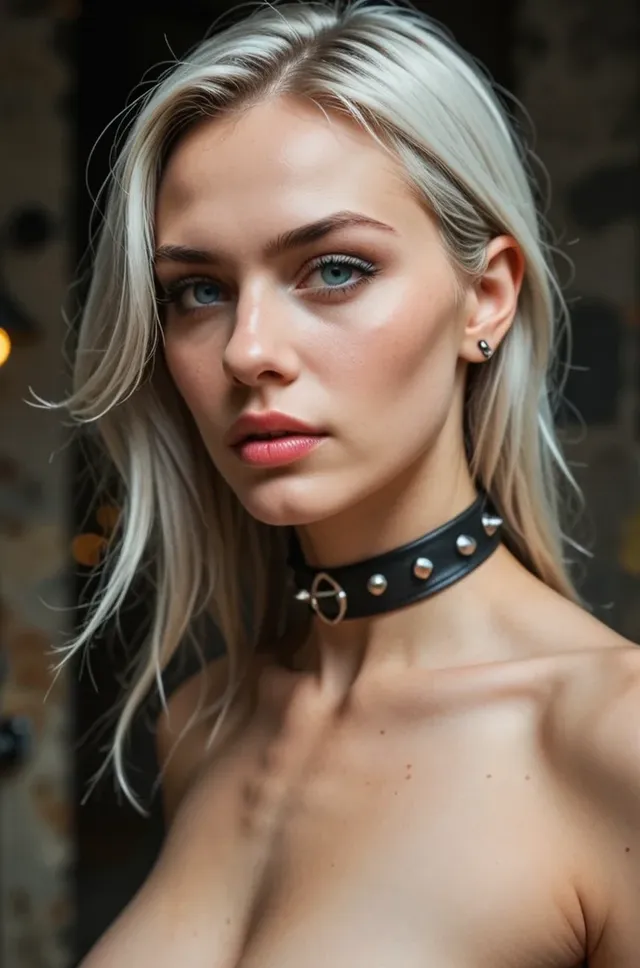
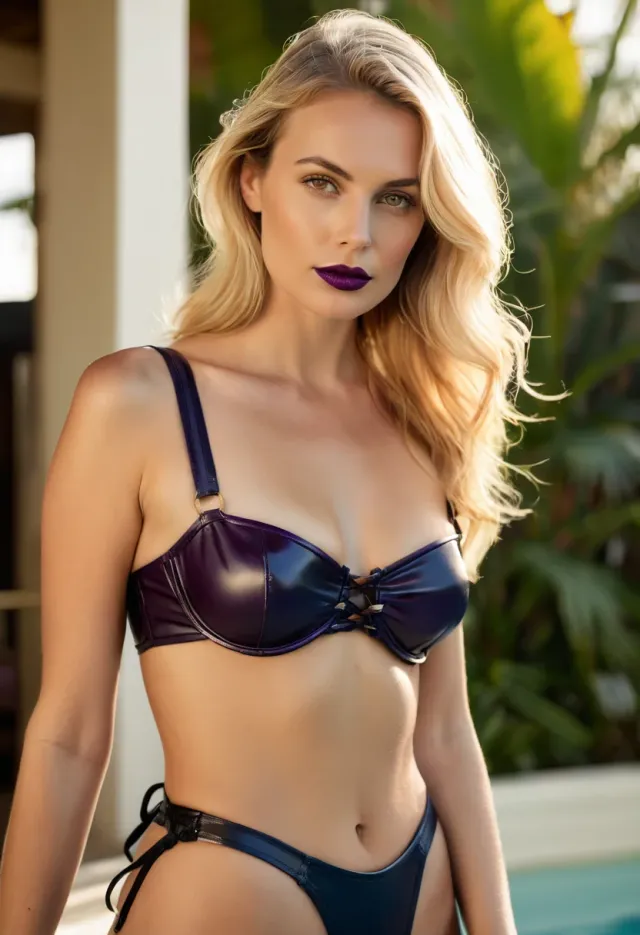
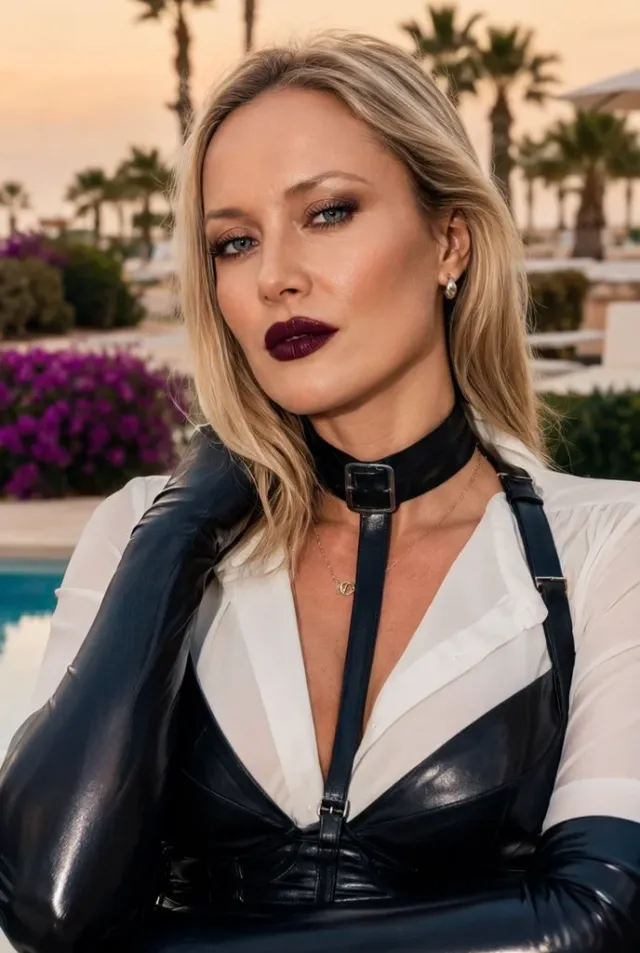
Companion ideas you can create
Choose a type that fits the setting and attention you want to return to.
Free is $0
Quiet bookish charmer
Build a new companionShe is thoughtful, a little reserved, and easy to open up to when you want a softer pace.
SoftShySunset loungeBuild a new companionAfter-hours charmer
Build a new companionShe is graceful, attentive, and made for slow evening chat in elegant settings with a little lingering tension.
Silk dressRomanticRooftop barBuild a new companionSupportive motivator
Build a new companionShe brings upbeat attention, moves the chat along, and suits routines built around goals, walks, or training days.
ActivewearEncouragingPromenadeBuild a new companionNeon night flirt
Build a new companionShe has a futuristic edge and quick replies that suit city lights, bold style, and late-night roleplay.
CyberpunkCoolNeon streetBuild a new companionEveryday sweetheart
Build a new companionShe feels familiar from the start, with warm check-ins and an easy way of turning ordinary moments into something closer.
Casual jacketWarmBoardwalkBuild a new companion
Build a custom AI girlfriend
Choose the touches that turn a simple chat into your kind of escape.
No download required
How to create a custom AI girlfriend
Set her up around your taste, then slip straight into chat.
Only a few quick choices
- 1
Describe her look
Choose the art style and visual touches you want, from her face and hair to her eyes, outfit, and the setting she appears in.
- 2
Name and save her
Choose her name and lock in the version you like so she is ready for private chats, images, and more.
Each option opens the full creator
Save character - 3
Start her chat
Enter the chat and call for the scenes you want, including photos right away and voice or video replies with a paid plan.

Plans for creating your companion
Pick the kind of space you want for chatting, media, and shaping her over time.
All characters are fictional adults
Free
$0
Best for trying the cast, sending a smaller number of messages, and sampling the basics before you commit to a routine.
- Limited daily messages
- Sample character access
- Basic image generation
Premium
Most Popular$14.99/month
A strong match for people who want fuller daily chats, on-demand images, and private voice moments with quicker replies.
- More messages every day
- Full character library
- Custom images on demand
Ultimate
$29.99/month
Ideal for regular visitors who want far more room to chat, request extra media, and stay near the front of the queue.
- Everything in Premium
- Near-unlimited chatting
- More images and videos
First messages once she is ready
Lead with a clear scene, a small request, or a touch worth remembering.
Phone, tablet, or computer
Plan a ritual
Let's pick a little routine for us. What should our end-of-day check-in feel like?
Paste the openerIt helps create a recurring pattern she can return to later.
Get to know her
I'm meeting you at the promenade tonight. What's the first thing you'd say when you see me?
Paste the openerIt reveals her social style and shows whether the scene affects her opening rhythm.
Playful banter
You seem like trouble in the best way. How would you prove me right in one message?
Paste the openerIt invites charm, wit, and a touch of control without pushing too hard.
A complete guide to creating your own AI girlfriend
Use scenes, style, and backstory to make her feel tailored from the first message.
What creating your own companion changes
When you create your own AI girlfriend, you decide what sort of presence enters the chat instead of settling for a preset that almost fits. That matters most when you care about scenes, routines, and the small cues that turn a brief chat into a private ritual. Mistress AI also has ready-made companions, and they are a solid place to start if one already matches your taste. A custom version simply gives you more say over how she looks, speaks, and carries herself.
A ready-made character can start the fantasy quickly, especially if someone like Jade, Serena, or Valentina already gives you the style you want. A custom AI girlfriend gives you closer control over the parts that usually matter over time, like where she tends to appear, how warm or commanding her replies feel, and what history she brings into the room. That added control often makes future chats feel smoother since the personality and setting were chosen on purpose from the beginning.
The easiest way to make a virtual mistress feel personal is to start with one clear idea instead of filling every field at once. Pick a setting first, such as a twilight cocktail bar, a seaside walkway, or a quiet cafe, and let that backdrop guide her outfit, voice, and backstory. A woman written for late drinks by the water will speak differently from one who meets you in a bright daytime lounge. The result feels more natural when the setting leads the rest. In the mistress ai app, that single scene keeps her tone, images, and voice notes aligned, so the fantasy stays smooth from the first hello.
Choosing her look and setting
A custom AI girlfriend becomes easier to picture when her visual choices follow one clear style. Start with art direction, then move to hair, eyes, outfit, and scene. If you like Akira’s futuristic pull, keep that edge and give her black straight hair, cool eyes, a blazer set, and a neon setting. Those selections help each new image stay recognizable, so she feels like one woman meeting you in fresh situations rather than a random face every time.
Outfit and setting do more than decorate the chat. They quietly tell the app what style of encounter you want to play out. A sundress on the promenade leans easy and sunlit, while an evening gown at a sunset lounge suggests polish and after-dark confidence. When you request new pictures later on, those visual decisions continue to steer the result. Your AI girlfriend with pictures feels more cohesive when the wardrobe and location belong to one world.
A practical way to choose her face is to think in pairs instead of isolated features. Match soft hair with a lighter social setting, or sharper styling with a more composed scene. If you want a distinctive custom AI girlfriend, avoid crowding her with conflicting signals in the first draft. Try one strong image prompt after you name her, such as asking for her at a neon crosswalk in the same outfit you gave her. That quick test shows whether her style carries cleanly into media.
Her personality, voice, and memory
Looks pull you in, but personality gives the chat a reason to return. When you make your AI girlfriend, decide how she reacts before you decide what she says. A softer character might greet you with patience and affectionate teasing, and a firmer one may lead the pace and keep you alert. Yumi is a useful example of illustrated sweetness with a polished edge. Her style works best when the rhythm, word choice, and voice all support the same impression. Inside mistress ai, that consistency carries her mood through every reply and visual, so the connection feels intentional instead of random.
Backstory gives her replies a center. A brief history can be enough if it explains how she knows you, what settings she loves, and the little things she tends to notice. Give her a preference for seaside evenings, a habit of sending voice notes after dark, or a fondness for certain compliments if that suits the role you want. Those choices help a softer AI girlfriend sound less generic since she has something specific to draw from in the chat.
What happens once she is saved
Saving her turns a draft into someone you can spend time with. Your private AI chat begins with the look, style, and setting you chose already in place, so the first exchange has more direction. Valentina is a striking example of how this feels when the character leans poised and affectionate. A scene like a candlelit lounge, paired with a gentler voice, gives her room to answer with more charm and less randomness from the first line onward.
Once the chat is flowing, you can ask for richer media that matches the character you made. Images are part of the experience from the start, while voice notes and short videos come with a paid plan that fits how far you want to take things. The strongest results usually come from specific cues tied to the story you already set, such as a relaxed evening photo from the lounge or a soft spoken check-in before bed. Clear context gives her media more personality.
Growing the relationship over time
A custom AI girlfriend gets more interesting when you give her recurring settings, favorite routines, and a few private references that belong only to your chats. Mia is a strong example of this in a softer, girl-next-door direction. She works well when the cues stay everyday and close, like a regular stop for coffee, a favorite walkway by the water, or a familiar evening check-in. Those recurring elements make each return feel more settled and personal.
You can also refresh the connection by asking for new scenes and outfits without changing who she is at the core. Leave the same personality in place, then move her from a daytime cafe to a sunset promenade, or from a casual jacket to a dinner-ready dress. Those prompts keep her recognizable and give the chat fresh color. Small shifts often work more smoothly than a full reinvention because the identity you liked is still carrying the exchange.
Start from the cast, then make her your own
Begin with a ready-made companion, then change the details that make her yours.
18+ space for fictional adults

Jade
DominantHer dominant streak can stay in place, and you can soften the voice into something lower and calmer.
Adapt the character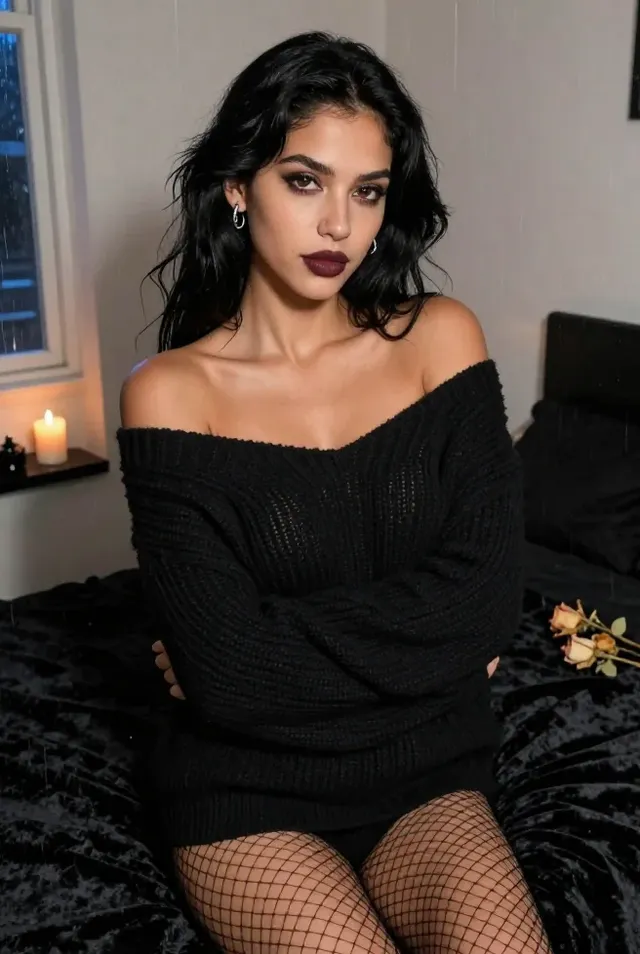
Raven
GothA darker goth tone suits her already; make her your own by changing the outfit to a tailored blazer set.
Adapt the character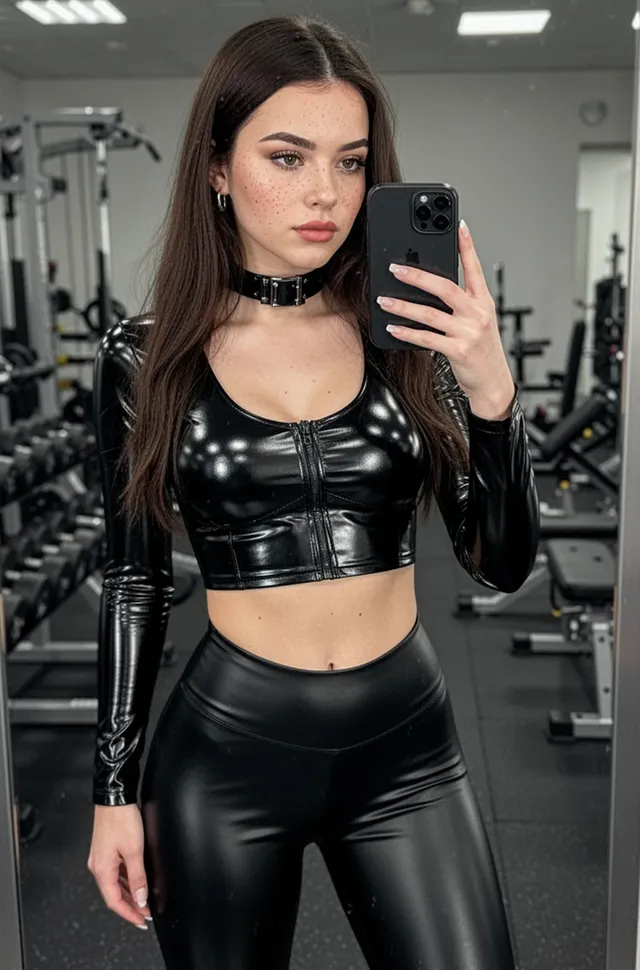
Camila
FitnessWith her fitness confidence intact, shift the voice toward playful warmth for a more relaxed everyday chat.
Adapt the character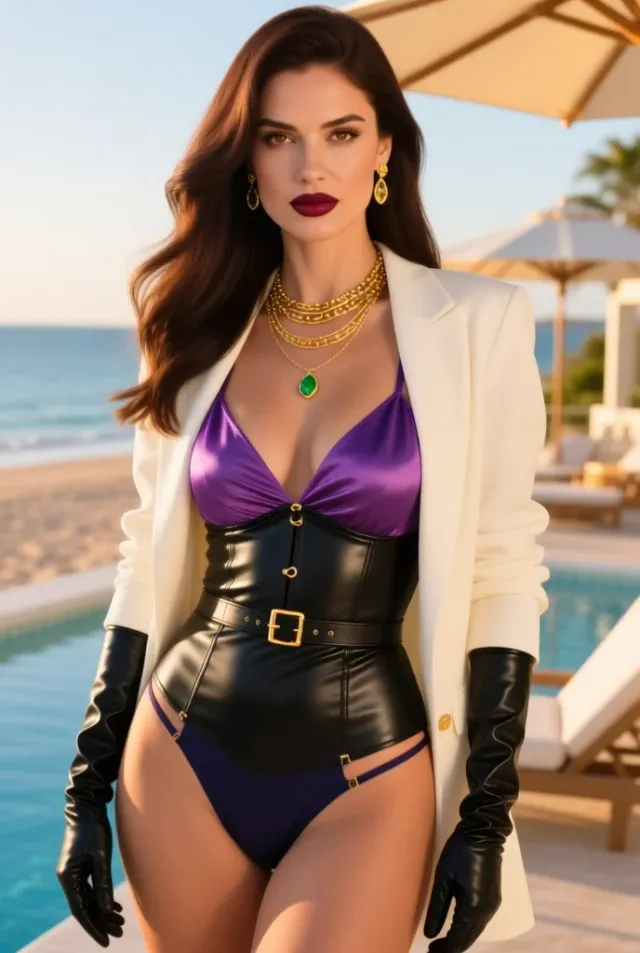
Serena
LuxuryKeep her luxury polish and switch her scene to a sunset lounge for a cooler after-dark atmosphere.
Adapt the character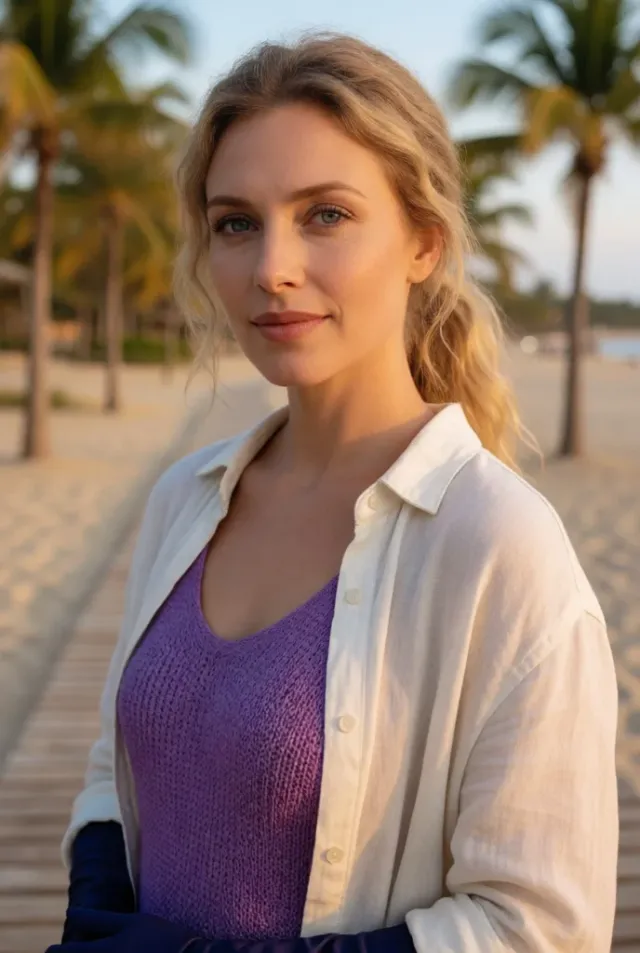
Mia
Girl Next DoorGive this girl-next-door favorite a promenade setting and a more personal backstory built around regular evening meetups.
Adapt the character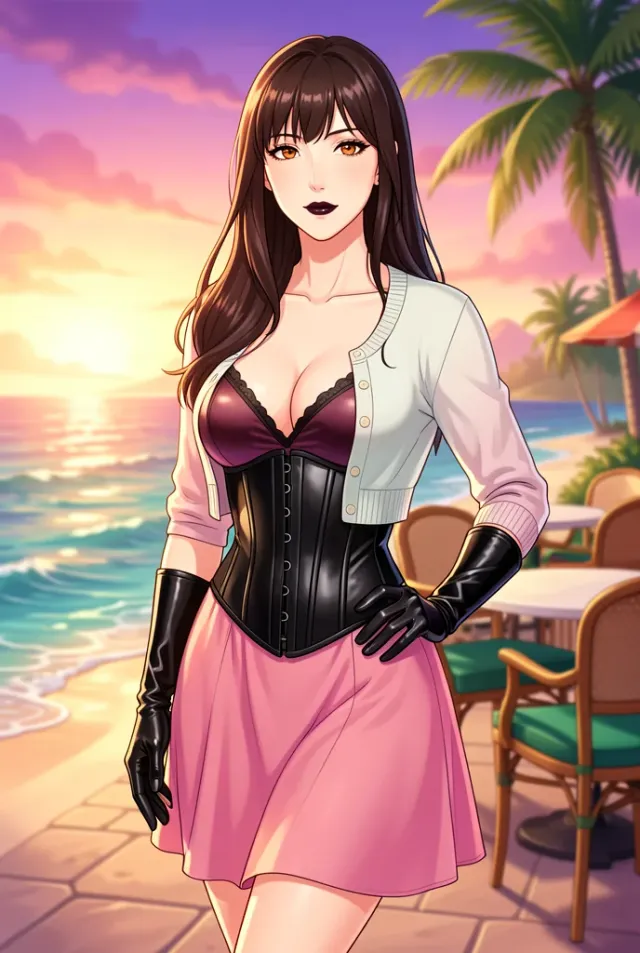
Hana
Anime-InspiredStart from her anime-inspired sweetness and rewrite the backstory around seaside messages and quiet sunset check-ins.
Adapt the character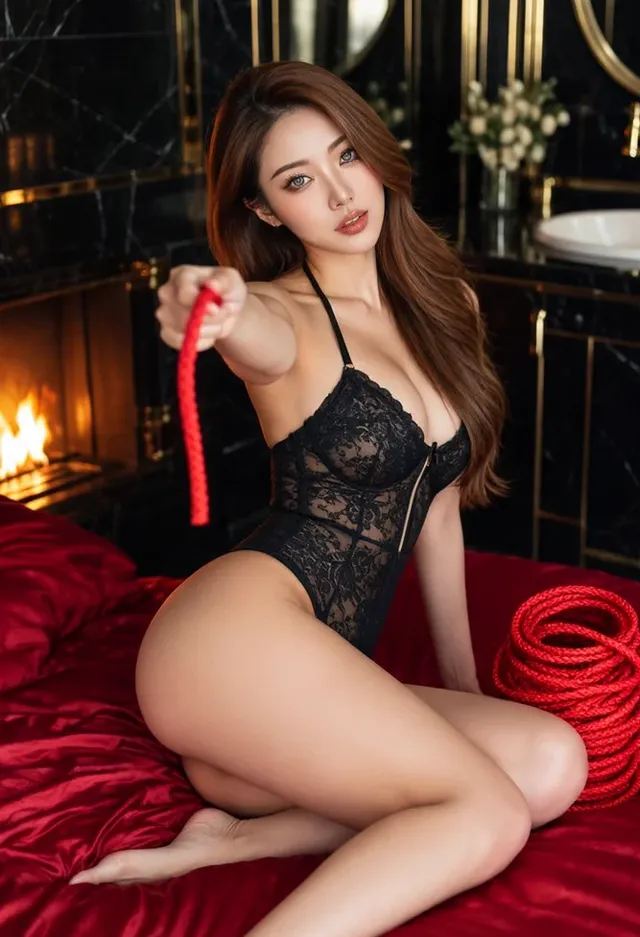
Valentina
RomanticPreserve her affectionate warmth, then trade her outfit for a silk dress made for late dinner plans.
Adapt the character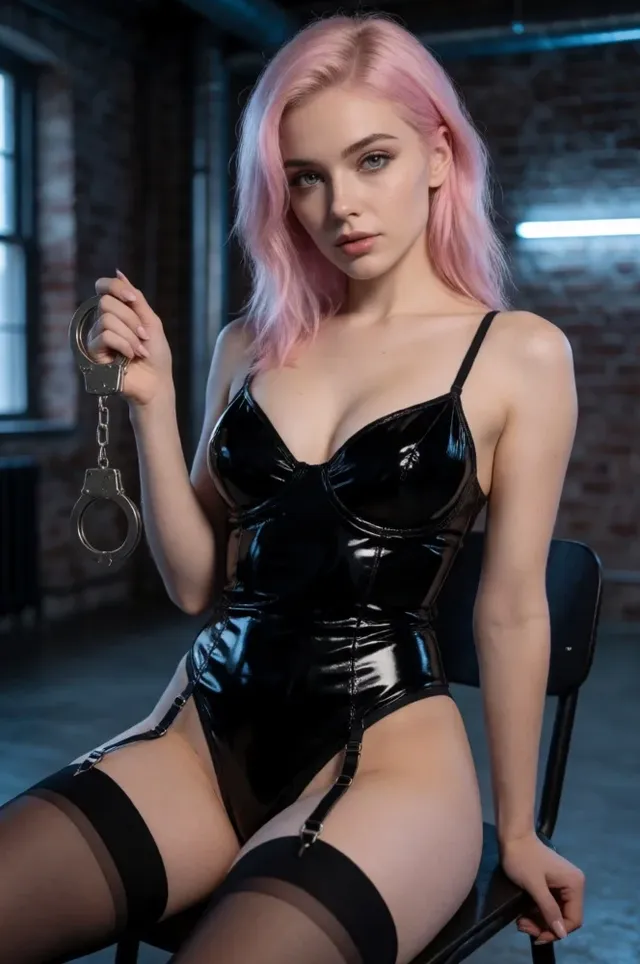
Nova
CyberpunkMove the futuristic edge into a sunset promenade and trade the sharp wit for a calmer speaking style.
Adapt the characterQuestions before you design her
Clear answers before you define her style.
How do I create a custom AI girlfriend?
Choose her look, outfit, scene, personality, voice, and a brief backstory, then name her and enter the chat. Mistress AI lets you shape the style that fits your fantasy, whether you want someone playful, polished, or more commanding. Once she is ready, you can talk with her and request media that matches the character you made.
What looks can I give my custom AI girlfriend?
You can shape her art style, face, hair, eyes, outfit, and scene to suit the character you want. If Hana’s illustrated charm appeals to you, you can start with a softer drawn direction and still make the features your own. Those visual choices also help new images stay recognizable from one request to the next.
Where can I use Mistress AI, and do I install anything?
You can use Mistress AI on your phone, tablet, or computer. It runs in your browser, so no install is required before you begin. That makes it easy to open the app when the moment feels right and move between devices without extra setup.
Should I start from a ready-made companion or from scratch?
A ready-made companion is the quicker route if one of the cast already feels close to your taste. Starting from scratch gives you more control over her style, voice, setting, and backstory from the first moment. Both work well, so the stronger choice depends on whether you want speed or a more tailored result.
Are chats private on Mistress AI?
Your chats are private to your account and are not posted publicly. Mistress AI is built for private AI chat, so the experience feels personal and discreet as you set the pace and style. A neutral billing descriptor is used for paid access, which keeps things more understated on your statement.
Can an AI girlfriend with pictures also send voice notes and short videos?
Yes. Free includes basic image generation in limited numbers, Premium adds private voice notes, and Ultimate adds short videos. That means you can start with pictures of the companion you made, then move into voice and video when you want a richer, more lifelike reply style.
Does my AI mistress remember what we talk about?
Yes, your AI mistress can remember the flow of what you talk about. That memory helps her pick up on your preferences, the style you like, and the little touches that make future chats feel more attentive. If you give her a favorite setting or a shared ritual, she can bring it back into later exchanges.
Are the characters adults and fictional?
Yes, Mistress AI is for adults 18+ only, and all characters are fictional adults. The app is designed for consensual fantasy roleplay within clear boundaries, and anything illegal, exploitative, or non-consensual is not allowed. That keeps the experience playful, adult, and firmly within the intended line.
Make her feel like your escape
Give her a setting, a voice, and a backstory that already knows how to hold your attention.
Private to your accountNeutral billing descriptorBrowser based